
Free eligibility check · Heidelberg
Heidelberg Console Validation
The system that pays for itself.
Do everything from your phone.
Works with Prinect Press Center, CP2000, CP Tronic consoles on Speedmaster SM / XL series.
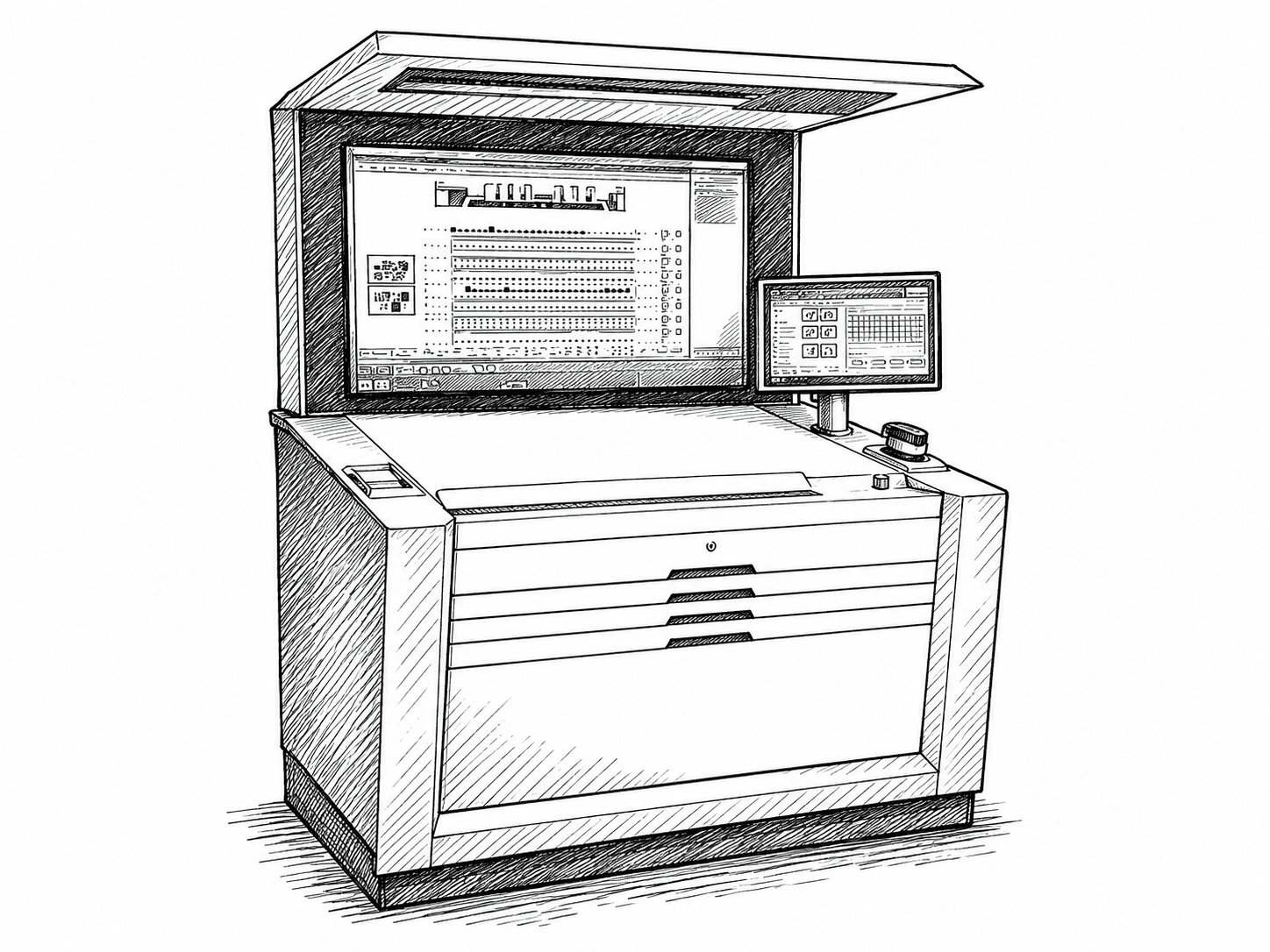
Compatible consoles






Your press: Heidelberg · Komori · Koenig & Bauer · Manroland · Mitsubishi · Ryobi · Goss · Presstek
Curious what color drift costs you? Try the ROI calculator →
Frequently asked questions
- Is my Heidelberg press compatible with Rutherford closed-loop color?
- Most Heidelberg consoles, from CP Tronic and CP2000 up to the Prinect Press Center generations, can run Rutherford ColorLoop through their ink-key interface. The free console validation confirms your exact model and generation within one business day.
- Do I need to replace my Heidelberg console to add closed-loop color control?
- No. Rutherford ColorLoop connects to the existing console and pushes ink-key corrections to it. You keep your press, your console and your operators; the loop is added on top.
- How do I check my Heidelberg console eligibility?
- Submit the console validation form with a few photos of your console (full view, inside cabinet, key count, machine plate). Rutherford answers within one business day. It is free and commits you to nothing.